



• English
    • العربية
    • English
    • Français
    • فارسی
Login / Register
0 items 0 $
  • English
    • العربية
    • English
    • Français
    • فارسی
  • Home
  • Devices
  • Blogs
  • Choose Device
  • Training
    • Training Videos
    • Field Experiments
    • Our Gallery
  • Support
    • Faqs
    • Maintenance Services
    • Contact Us
  • About Us
    • About Golden Detector
    • Buying & Shipping
    • Distributors
  • Offers
Menu
Search
Latest Gold Detectors & Metal Detectors With Various Search Systems
Technical Support
Latest Gold Detectors & Metal Detectors
ميغا سكان برو
MEGA SCAN PRO NEW EDITION6
MEGA SCAN PRO NEW EDITION4
MEGA SCAN PRO NEW EDITION5
MEGA SCAN PRO NEW EDITION3
MEGA SCAN PRO NEW EDITION2
MEGA SCAN PRO NEW EDITION13 scaled
MEGA SCAN PRO NEW EDITION12 scaled
MEGA SCAN PRO NEW EDITION11 scaled
MEGA SCAN PRO NEW EDITION10 scaled
MEGA SCAN PRO NEW EDITION8 scaled
MEGA SCAN PRO NEW EDITION7 scaled
    ميغا سكان برو

    Mega Scan Pro New Edition

    Rated 4.20 out of 5 based on 5 customer ratings
    (5 customer reviews)

    6750 $

    This new edition brings forth an array of exciting features and cutting-edge search systems, designed to enhance the treasure hunting experience like never before.

    With six versatile search systems catered to meet the diverse needs of treasure hunters, the Mega Scan Pro New Edition offers unparalleled versatility and adaptability.

    Depth

    50 Meter

    Front Range

    3000 Meter

    Brand

    Mega

    Warranty

    5 Years

    Contact Sales Department

    Compare
    Add to wishlist
    Share:
    • Description
    • Search Systems
    • Device Video
    • Parts & Contents
    • Videos & Catalogue
    • Reviews (5)
    Description

    Details

    Introducing the Mega Scan Pro New Edition, the highly anticipated and upgraded version of the renowned and best-selling Mega Scan Pro metal detector.

    This new edition brings forth an array of exciting features and cutting-edge search systems, designed to enhance the treasure hunting experience like never before.

    With six versatile search systems catered to meet the diverse needs of treasure hunters, the Mega Scan Pro New Edition offers unparalleled versatility and adaptability.

    Whether you are searching for coins, relics, or precious metals or even tunnels, this device has all the tools to get you covered.

    Equipped with an impressive range of detection technologies, the Mega Scan Pro New Edition combines the power of multiple devices into one compact and efficient solution; It is the ultimate all-in-one metal detection tool that ensures accurate and reliable results.

    One of the standout features of this new edition is the enhanced 3D ground scan system, which provides a remarkable 3D visualization of underground targets with the accompanying Multi Visual Analyzer app, users can experience a completely new level of treasure hunting, gaining insights and analyzing their findings in a visually immersive manner.

    The Mega Scan Pro New Edition boasts an intuitive and user-friendly interface, featuring an easy-to-use multi-language program, and visual indicators and feedback further simplify the operation, allowing both novice and experienced users to navigate and maximize the device’s capabilities effortlessly.

    Unleash the full potential of your treasure hunting endeavors with the Mega Scan Pro New Edition, the ultimate metal detector that combines advanced features, state-of-the-art technologies, and user-friendly design for an unparalleled experience.

    Get ready to embark on exciting adventures and uncover hidden treasures like never before.


    Device Features

    Mega Scan Pro software program features a user interface designed with the latest modern software technologies, focusing on graphical interface and user experience.

    It incorporates an attractive and contemporary design, employing a consistent color theme and graphical icons to present the search systems, options, and settings of the device in a user-friendly manner.

    Whether you are a novice or a professional user, the interface designed to be easily understandable.

    The screens and controls are thoughtfully designed, considering the best guidelines of user experience. This ensures that users have the best possible experience, offering flexibility and ease of use.

    The controls allow for easy adjustment of various values and settings related to the different search systems available in the device with a focus on providing optimal control and usability, the interface aims to enhance the overall user experience.


    Search Systems Screen

    Users have the flexibility to select their desired search system by simply clicking on the corresponding search system icon from the list presented on home screen.

    With the easy-to-use buttons, users can effortlessly choose from a range of six different search systems this empowers users to tailor their search approach based on their specific preferences and requirements.


    Language Screen

    To cater to prospectors worldwide, Mega Scan Pro designed to accommodate users from different countries with its program and interfaces available in various internationally spoken languages.

    The device offers a seamless language-switching functionality within its settings, allowing users to effortlessly change the user interface language.

    With a selection of 12 languages, Mega Scan Pro covers the most important languages spoken globally. The supported languages include German, English, French, Spanish, Russian, Italian, Arabic, Hebrew, Persian, Turkish, Urdu, and Chinese.

    This extensive language support ensures that users from diverse backgrounds can comfortably and effectively utilize the device for their treasure hunting endeavors.


    Date & Time Settings

    Mega Scan Pro offers a valuable feature that allows users to set and maintain the accurate date and time, even when the device is turned off. This feature ensures that the device retains the correct values regardless of power status.


    To facilitate timekeeping during field searches, the device prominently displays a digital clock at the top right corner of the screen. This clock continuously shows the current time, enabling users to track the time without relying on external devices such as wristwatches or mobile phones. This is particularly important since carrying metal objects during the search can interfere with magnetic signal capture.


    The significance of the date and time functionality becomes apparent when saving search files or ground scanning values. These files are automatically saved with a name that includes the date and time of the file creation. This ensures that users can easily identify and analyze search processes conducted on specific dates and at specific locations. Having this information readily available empowers users to review and evaluate their search activities effectively.


    Screen Settings

    On this screen, users have control over several useful settings pertaining to the device’s screen.

    These settings include:


    • Energy Saving Mode:

    By activating this mode, users can set the duration after which the screen automatically turns off (if no buttons are pressed). This feature ensures that battery power is conserved for extended usage.


    • Screen Brightness:

    Users can adjust the screen brightness to a specific value that suits their preferences based on factors such as the time of day, weather conditions (e.g., foggy or rainy days), or personal comfort.

    Lower brightness settings can also be utilized to conserve battery power effectively.


    Audio Settings

    The device offers a range of audio alerts that vary based on the selected search system.

    You can customize the sound settings and volume of different alerts within the device’s settings.

    These include:


    • General Sound:

    This setting allows you to control the overall volume of the device’s sound, including the speaker sound volume.


    • Keypad sound:

    Adjusts the volume of the sound emitted when pressing buttons on the control panel.


    • Scan sound:

    This setting enables you to adjust the volume of the sound produced during the ground scanning process using the scanning tools.


    Power

    Opt for this option to conserve power and extend the battery life during device operation.

    Enabling this feature can increase the battery lifespan by at least 50%, with the actual duration varying based on the selected search system and the type of connected sensor.


    Scan Files

    During the process of conducting 3D ground scan, users have the ability to save the scan results as files into the memory of the device.

    With a user-friendly and intuitive interface, users can effortlessly access and review all previously saved files. They can open these files to view the stored results. Furthermore, if needed, users can delete specific previously stored files to free up memory space for future searches.


    Reset

    Here the user can set the following options

    • Reset Settings: reset general settings without deleting previously saved scan files.
    • Factory Settings: reset to the factory values (the values when purchasing the device from the factory) while deleting the saved files
    • Clear Memory: clean memory to free up the device’s memory of all saved files.


    Device information

    This screen displays the device information, which are:

    • Device Version
    • Software version
    • Device Model
    • Serial Number
    • Manufacturer Country
    • QR code: the user can read it to obtain useful information about the device, including the manufacturer website


    Security settings

    • Pin Lock: activate or deactivate the screen lock

    Set Pin: here user can set a pin number (a number that without entering it correctly any person can’t access and login to the device software program)
    Search Systems

    Search Systems

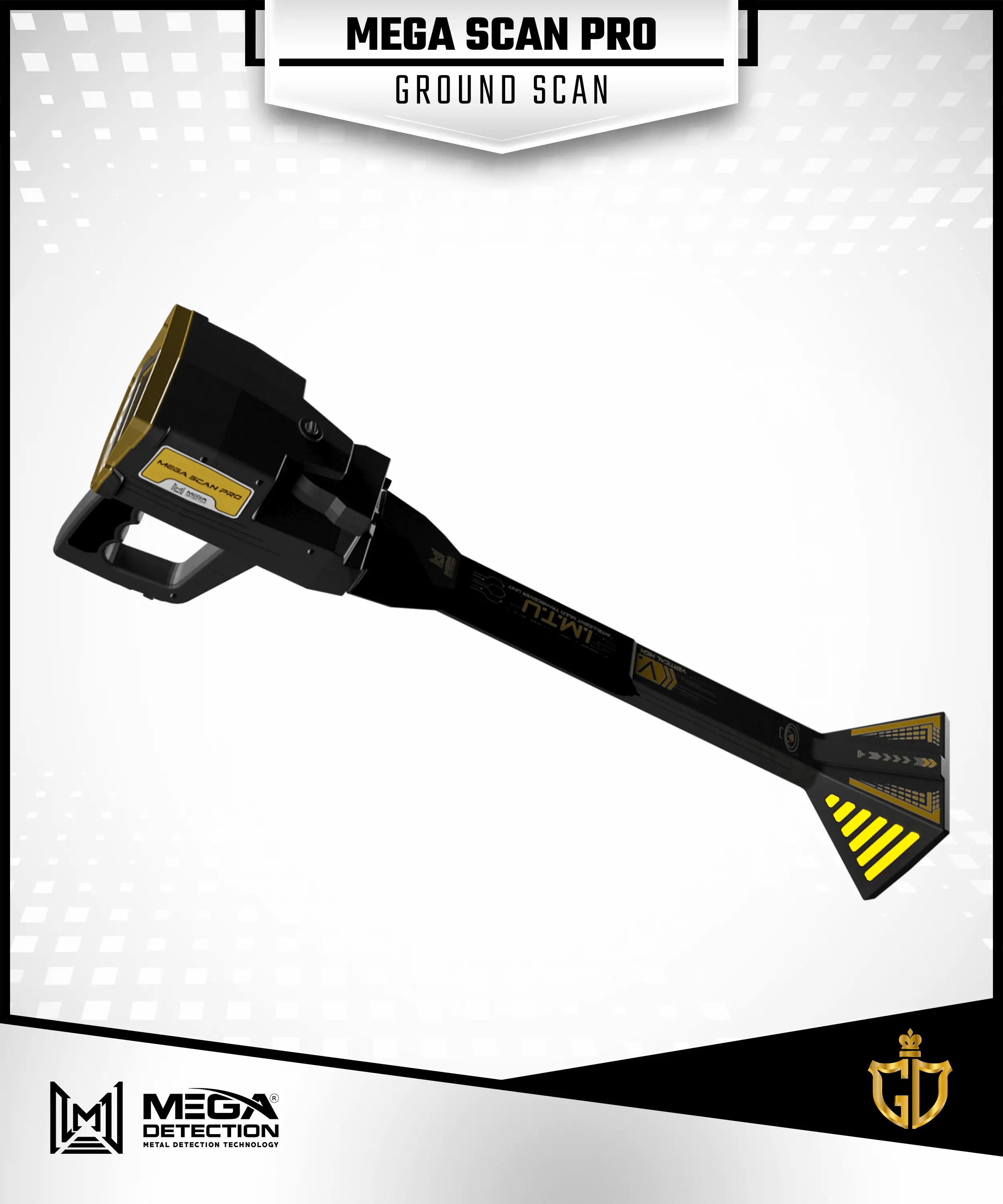
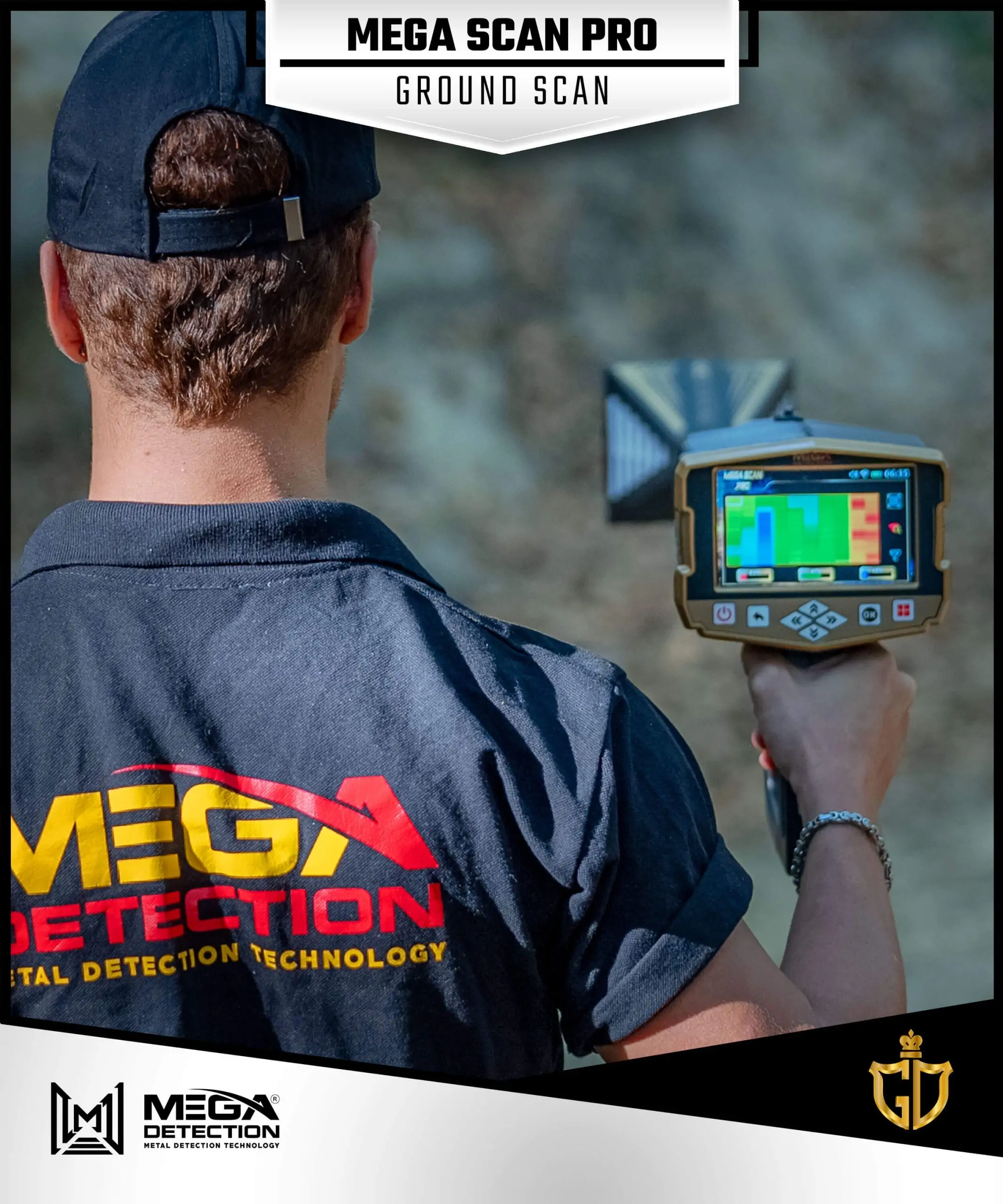
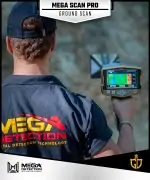
    1 – Ground Scan System / GROUND SCAN/

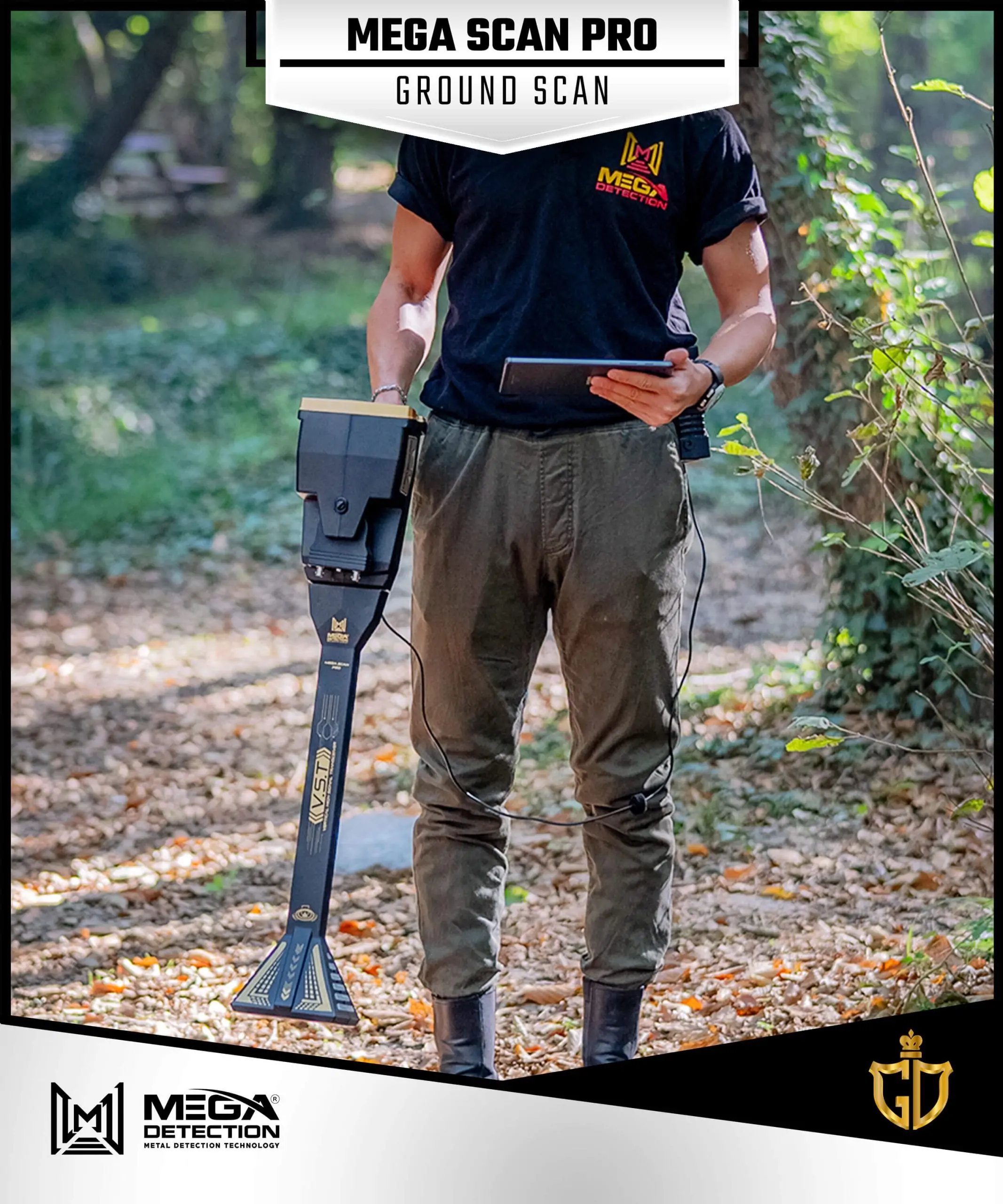
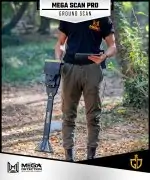
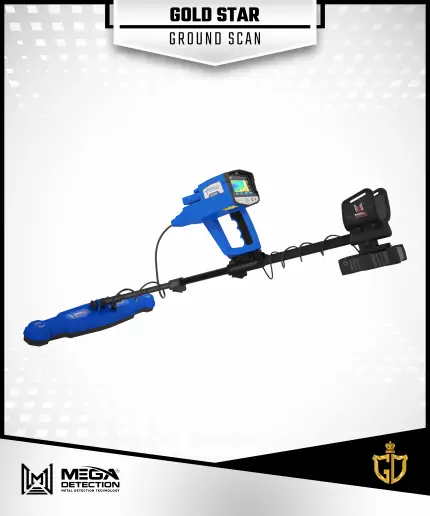
    The 3D Ground Scan system is an innovative search system that is integrated into the new Mega Detection devices,

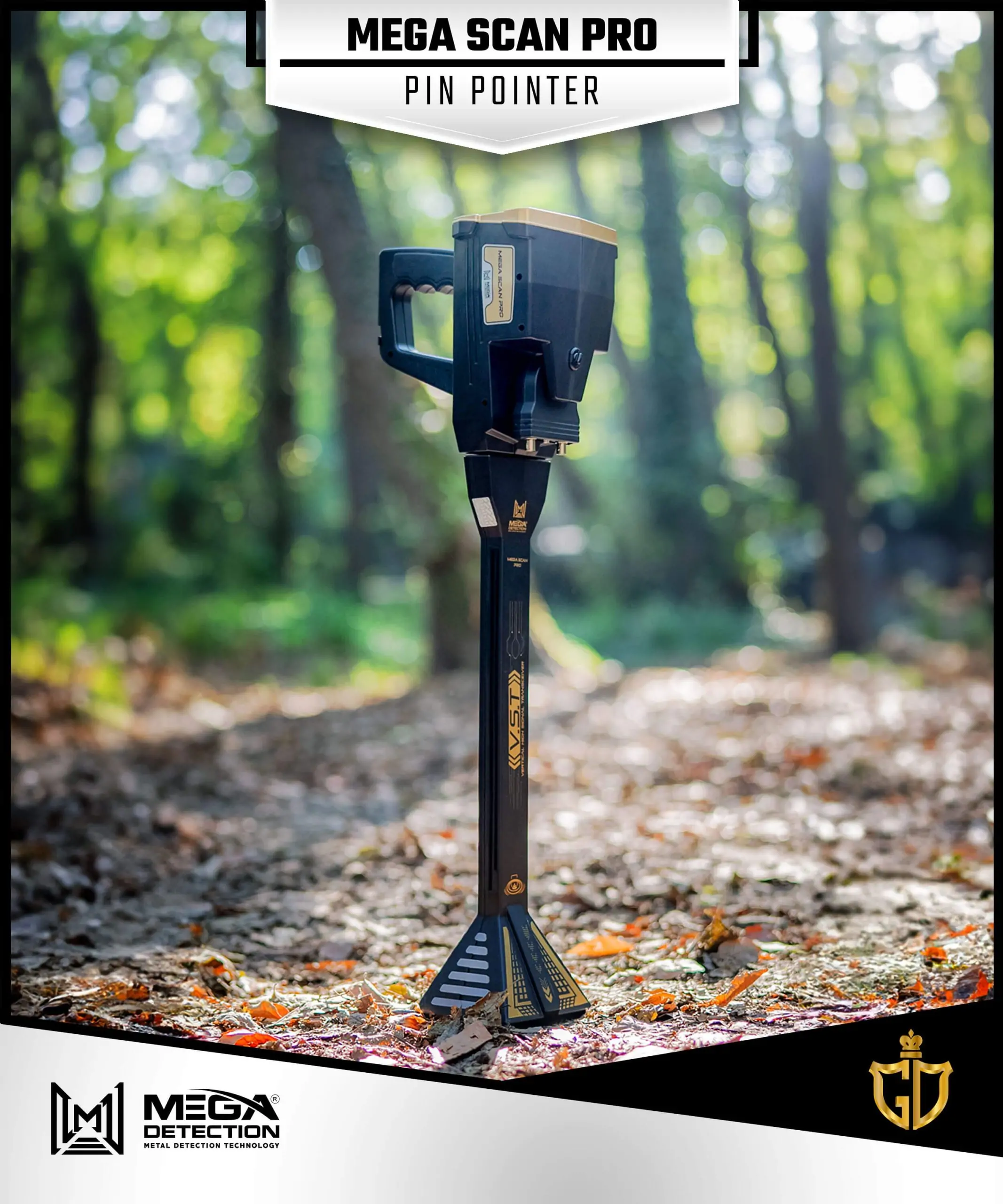
    showcasing cutting-edge technology. In the Mega Scan Pro device, this powerful system utilizes the Vertical High Signal Transceiver (V.S.T)

    probe as the ground scanning tool. The V.S.T probe records the measurements of the scan at each scan line and scan point.

    The scan data is then visualized as a 2D multi-colored grid on the device’s screen.

    Each cell in the grid represents a scan point, and the color of the cell corresponds to a specific object type, such as ferrous metal or a cavity.

    Furthermore, users have the option to visualize the scanning data with even greater accuracy using the Multi Visual Analyzer app,

    which can be installed on any Android tablet. This app provides a 3D representation of the data, with different colors indicating various target types.

    This comprehensive view of the scanned area allows users to gain a broader understanding of what it contains.

    With this advanced technology, users can effortlessly locate buried items and underground voids with enhanced speed and accuracy,

    providing them with a powerful tool for their detection needs.

    The user of the device can adjust the following options:

    • Displaying Results

    The user has the option to choose between two display modes:

      • Device: In this mode, the device visualizes scan results on the device screen.
      • Tablet: In this mode, scan data will be visualized on a connected tablet inside the Multi Visual Analyzer app
    • Search Mode

    This setting determines the method of performing the scan procedure and can be set to:

      • Manual: If selected, the user will manually record the measurement of signals at each point.
      • Automatic: In this mode, the device will automatically record measurements at every point at timed intervals.
    • Path

    The path value signifies the user’s movement pattern during the scan process and offers two options:

      • One Direction

    The user will move along the search line if selected, recording signals at each point.

    At the end of each line, they will return near the start of the previous line but with an offset distance

    to initiate scanning another line.

    This creates a unidirectional scan pattern where all lines are parallel.

      • Zigzag:

    In this mode, the start point of the next search line is positioned near the end of the previous line.

    In other words, the user’s movement direction will be opposite for each consecutive line.

    • Size

    This setting allows the user to configure the following:

      • Width: Specifies the number of scan lines.
      • Height: Determines the number of points in each scan line.
    • Start Point

    The user can set the starting point within the search area (a rectangular region encompassing the scan lines and points).

      • Left: If selected, the scan process will begin from the bottom-left corner of the search area.
      • Right: In this mode, the scan process will initiate from the bottom-right corner of the search area.

    Once all the settings have been configured as mentioned earlier, the Scan tab will present a concise summary of the selected settings.

    To initiate the scanning process, the user simply needs to press the “OK” button located on the device’s control panel.

    During the scanning procedure, the measurements taken at each scan point will be visually displayed on the screen as a 2D grid.

    This grid consists of rows and columns of cells, where each cell represents a specific area of the ground.

    The color of each cell corresponds to the characteristics and structure of the corresponding ground area, providing valuable insights into the detected features.

    The table below shows the type of target for each color:

    Green Light Blue Blue Yellow Red
    Normal Ground Small Cavity Cavity metal objects gold

    On the right side of the 2D grid, several values are displayed, including the current x-coordinate (line number), current y-coordinate (current point), and the search value.

    If the user opts to conduct the scan using the tablet device, the user has the option to set the same settings inside the Multi Visual Analyzer app.

    After completing the scanning process, the device proceeds similarly, displaying the results directly on the tablet screen within the app.

    These results are presented in a three-dimensional representation, offering users a more accurate way to visualize and identify buried targets.

    This visual representation encompasses essential information, including the type of targets (indicated by color), their depth, and their precise positions within the scanned area.

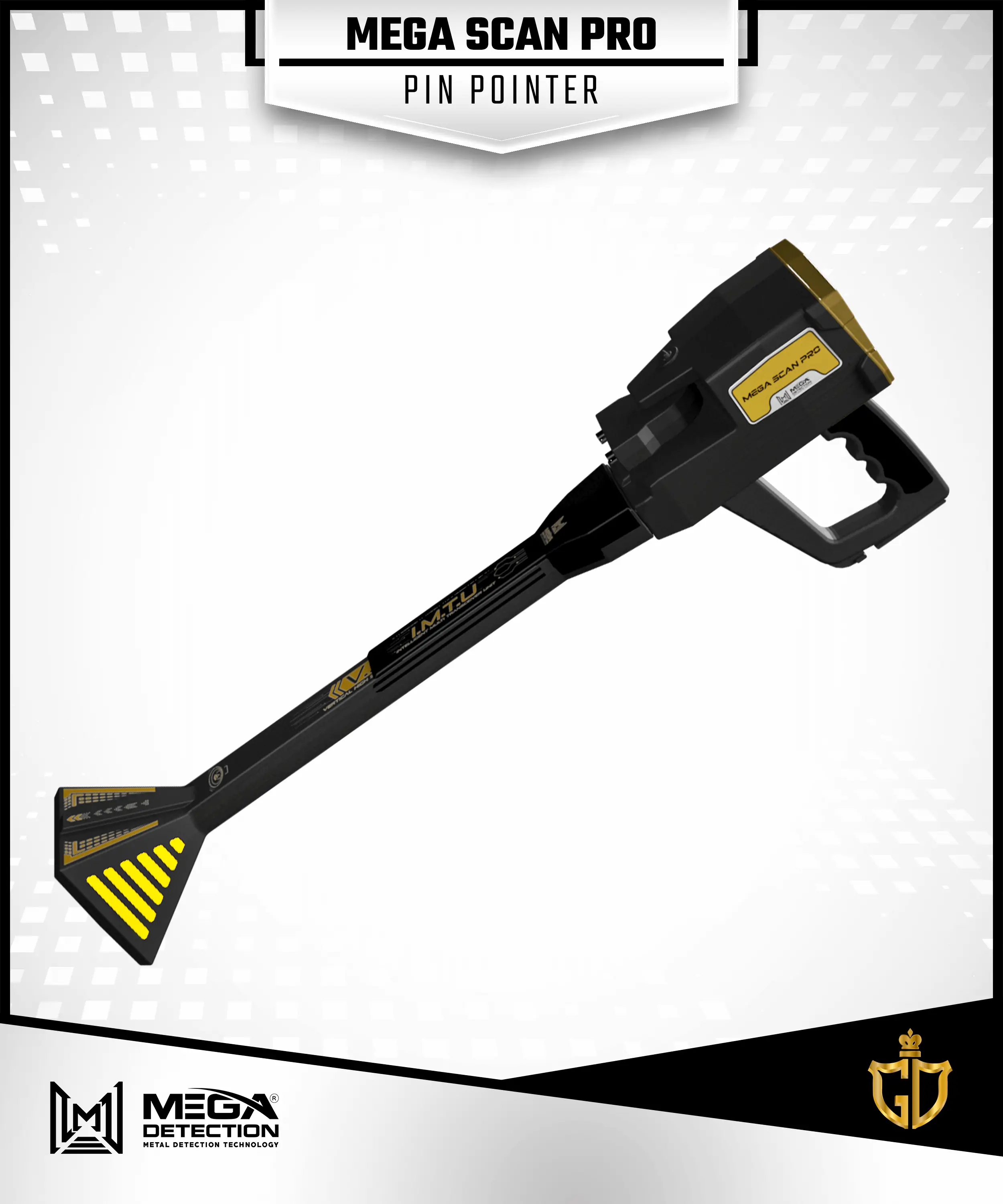
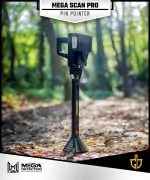
    2 – Pin Pointer System /PINPOINTER/

    The main objective of this system is to precisely detect the presence and location of metal targets or cavities.

    This is accomplished through various means, including auditory or graphical feedback displayed on the screen,

    as well as visual representations on a connected tablet via the dedicated app.

    To identify potential target locations, the scanning process is conducted using the V.S.T probe.

    This probe plays a crucial role in accurately scanning the ground and providing valuable data for target detection.

    In the result screen of this system, there are many options:

    • Sensitivity

    While conducting the search process and scanning for targets, the pin pointer system generates

    distinct scan sounds and graphs on the screen to indicate the presence of the target beneath the ground.

    The user has the flexibility to adjust the sensitivity value at any point during the search.

    This allows them to analyze the output sound and graph effectively for a more accurate assessment of the target’s presence.

    • Calibration

    Users can use this option to calibrate the V.S.T probe sensor sensitivity at any time based on the ground type and the scan area state.

    • Reset

    Reset the calibration process to default values.

    The received signals are visually represented on the device screen in the form of a curved graph.

    When the probe detects metal signals, the graph displays upward-facing rectangles of different lengths.

    These rectangles are color-coded, with a gradient ranging from green to red at the center, indicating the maximum signal strength.

    As the signal values decrease, the color gradient transitions back towards green. This graphical representation provides users

    with a clear visual indication of the strength and intensity of the detected metal signals.

    When it comes to detecting cavity signals, such as tunnels, the graph takes on a different appearance.

    It is composed of downward-facing rectangles of varying lengths. Just like with metal signals, these rectangles are color-coded.

    However, in this scenario, the color gradient shifts from green to dark blue at the center, indicating the highest signal values.

    As the signal strength decreases, the color gradually transitions back towards green

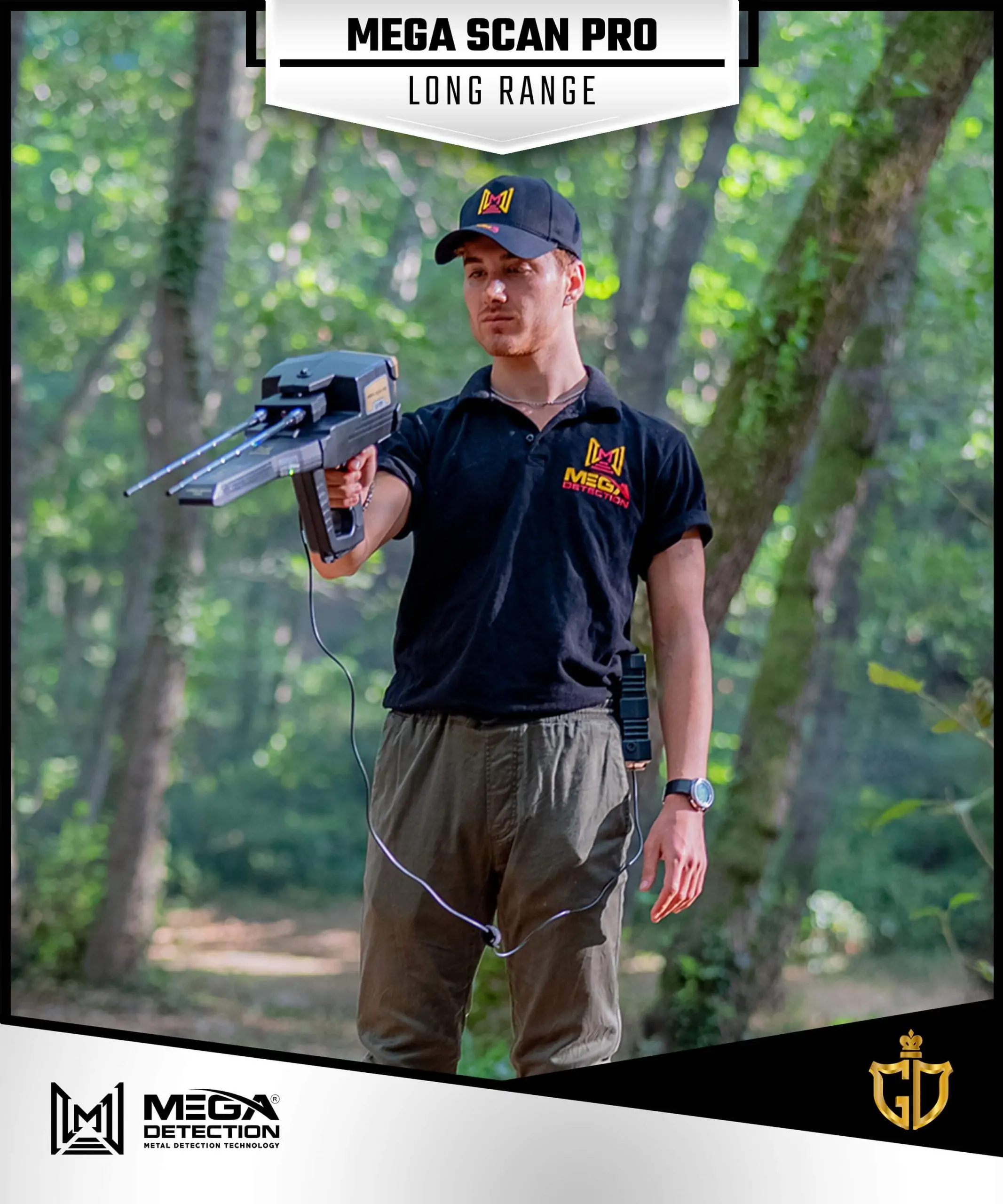
    3 – Long Range Manual System / MANUAL LRL /

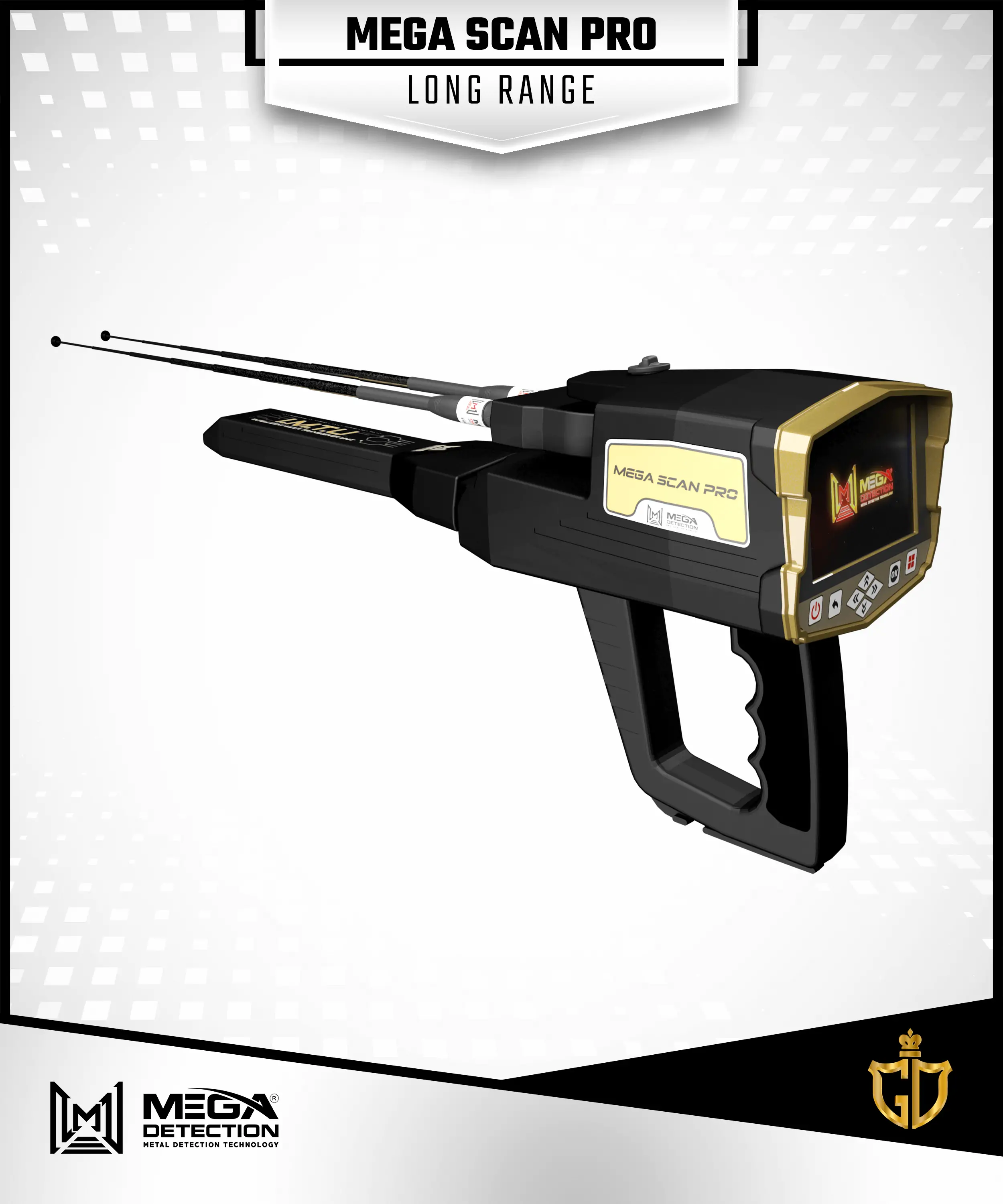
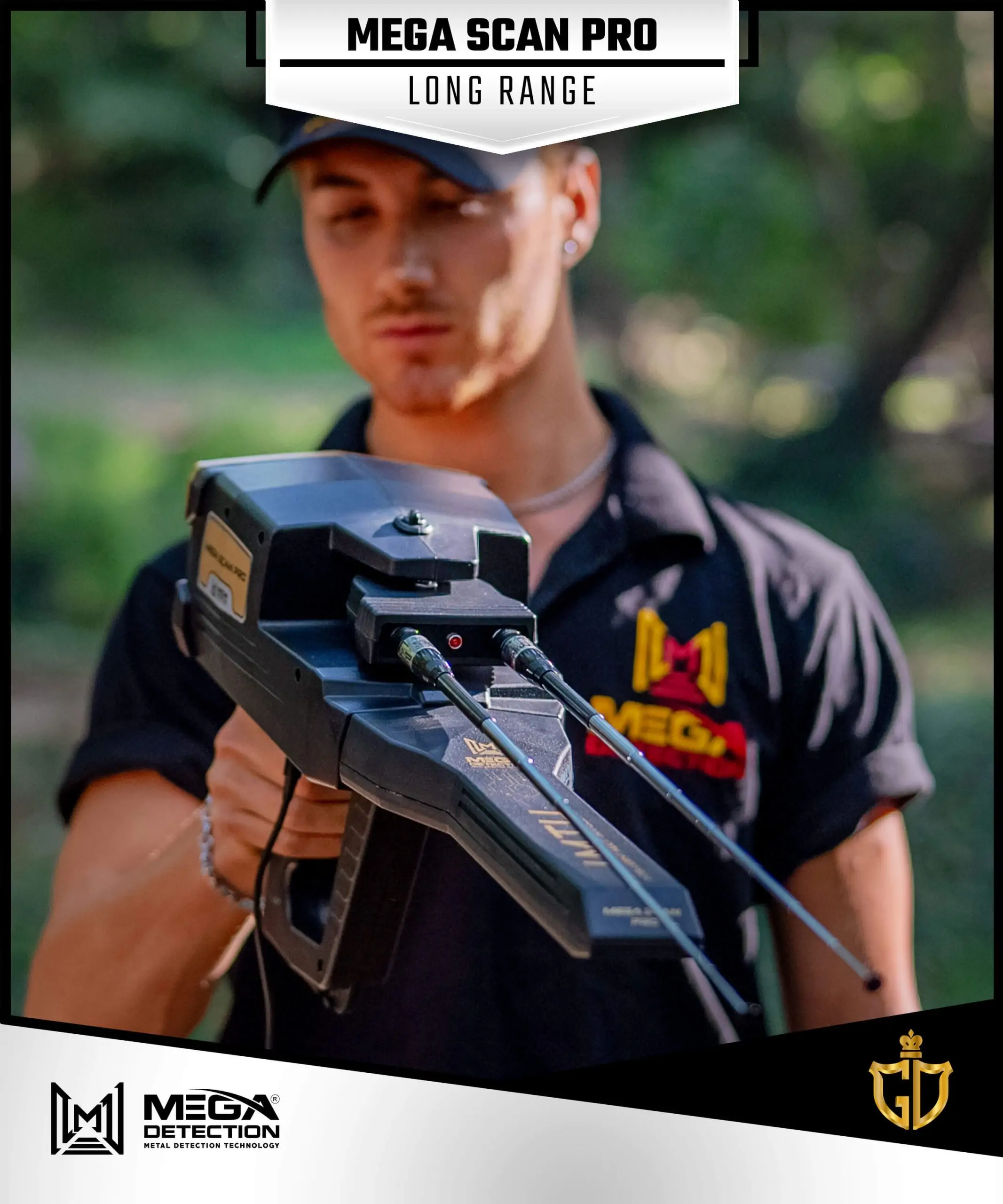
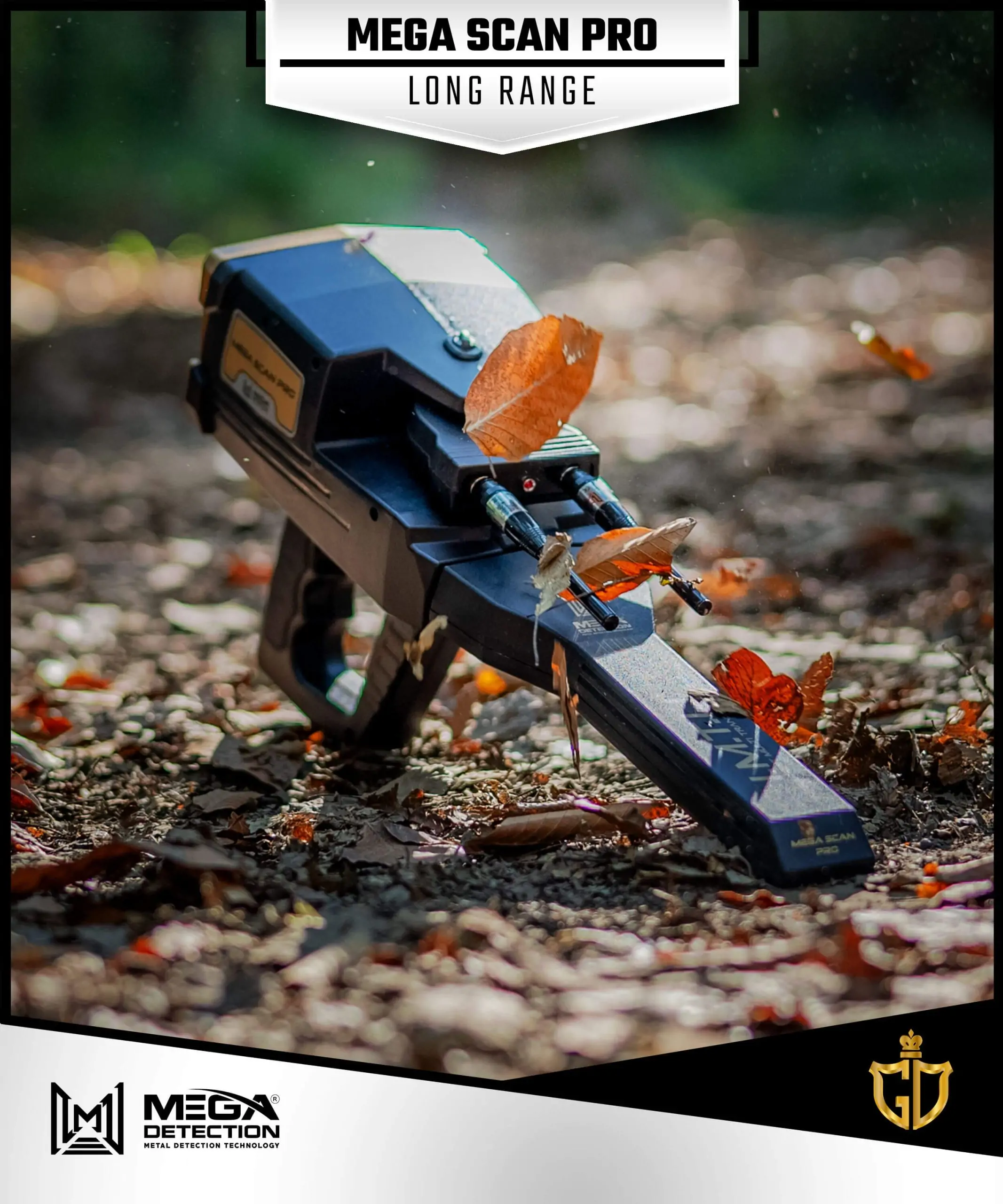
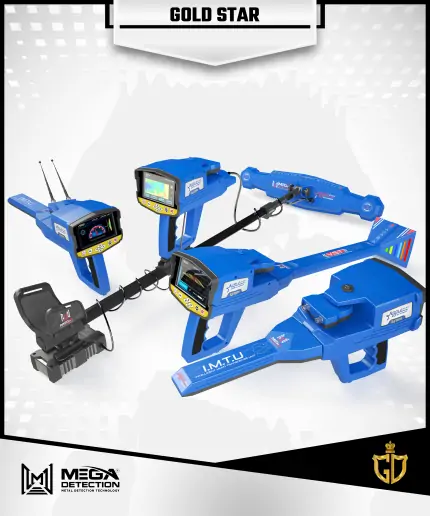
    This search system integrates a state-of-the-art probe called the Intelligent Multi Transceiver Unit (IMTU).

    With its advanced sensor emits high-frequency wave signals in the intended search direction.

    These waves intersect with the magnetic field signals emitted by buried metal targets.

    A pair of antennas effectively captures the reflected signals, which are converted into digital signals for further processing.

    The IMTU sensor plays a crucial role in accurately detecting and analyzing the signals from buried metal targets, providing valuable information for the search process.

    Within this system, the user can adjust the search values and settings manually based on their individual preferences.

    The user can customize the following settings:

    • Target Type

    The user has the option to select the target type, which refers to the specific metal composition of the target, they can choose from a range of preset search programs that encompass various categories of ferrous and non-ferrous metals.

    For instance, options include gold, silver, copper, diamonds, and gemstones.

    • Distance

    The distance value represents the scanning range in the forward direction, and the user can precisely select a value within the range of 0 to 3000 meters.

    • Depth

    The maximum search depth value indicates the deepest level that the device can reach using the current search settings.

    Users can adjust this value precisely within a range of 0 to 50 meters.

    Once the user has adjusted the previous search settings, a digital compass is presented on the device’s screen.

    This compass includes an indicator that displays the device’s orientation, indicating the direction of the north, for example.

    In addition to the orientation indicator, a graded semicircle display serves as an indicator for the direction of antenna movement

    based on the user’s motion during the search. This visual representation helps users track and adjust their movement to ensure effective scanning.

    To assist users in accurately adjusting the device’s tilt angle, a gradient tilt indicator is provided.

    This indicator reflects the degree of inclination of the device relative to the horizon.

    Correct tilt values are displayed in green, while incorrect values are shown in red.

    This feature aids users in achieving precise and accurate device inclination, enhancing overall search accuracy.

    4 – Automatic Long-Range System / AUTO LRL /

    The IMTU and antennas serve as the primary tools for detecting potential targets within the long-range scanning field.

    This advanced search system is capable of covering vast areas in a designated space, effectively identifying all types of buried metals with corresponding percentage values.

    The user can adjust the following settings:

    • Distance:

    Determines the scanning range in the forward direction and can be set within a range of 0 to 2500 meters.

    • Depth:

    Sets the maximum depth at which potential targets can be detected, with a customizable range of 0 to 50 meters.

    Once the desired settings are selected, the user can initiate the search process.

    During the search, the antennas will move left or right based on the presence of nearby targets.

    A visual indicator on the screen will guide a progress bar displayed in gradient colors

    ranging from green (indicating minimum) to red (indicating maximum).

    The user should track the antenna movement until he receives optimal signals and upon completion,

    the user can proceed to the “Report” screen, which presents a visual report in the form of four horizontal bars

    representing gold, silver, iron, and diamonds.

    Each bar displays an estimated percentage value indicating the likelihood of target composition.

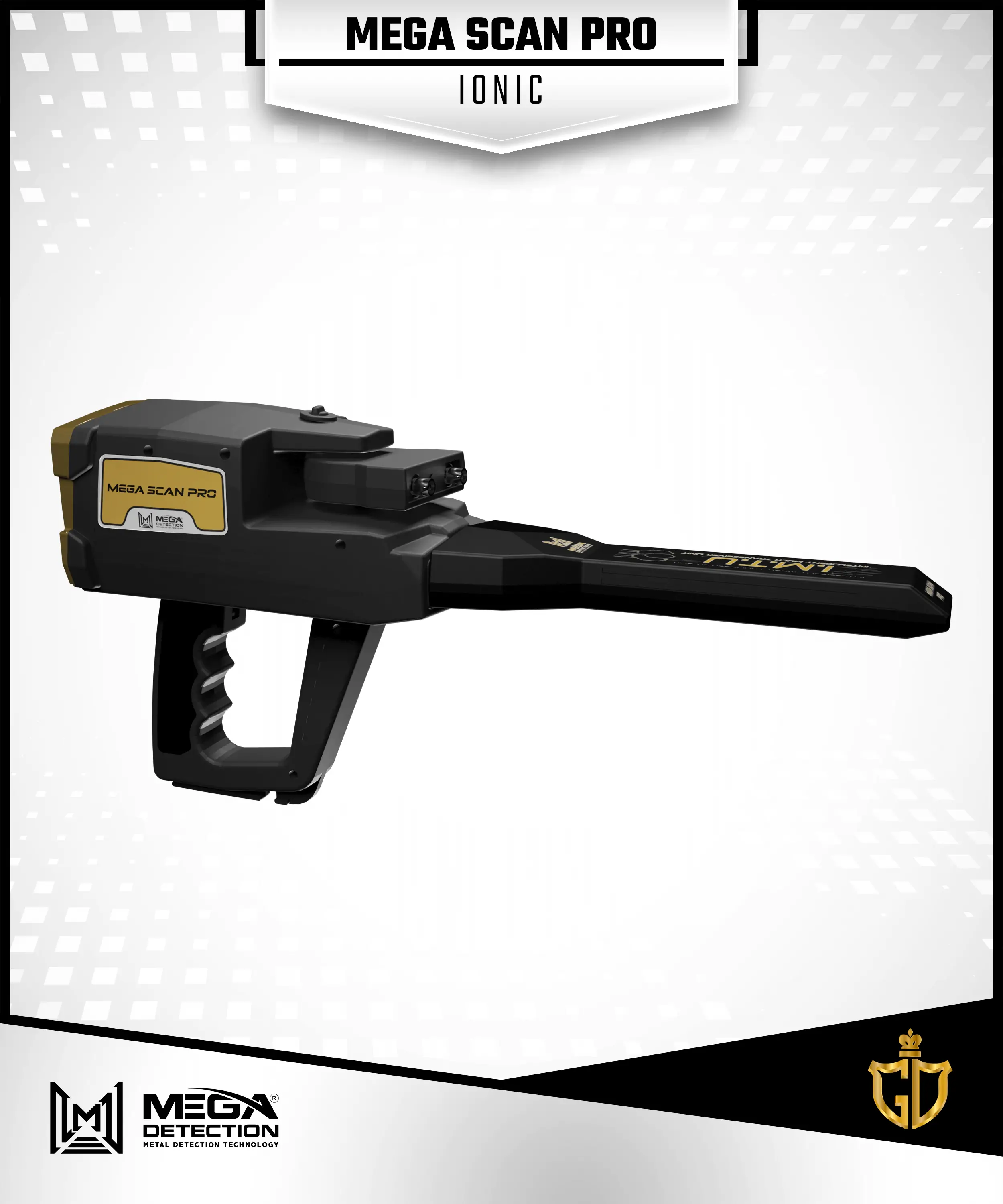
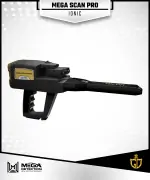
    5 – Ionic system / IONIC /

    The ionic search system represents a groundbreaking advancement in metal detection technology,

    setting it apart from traditional systems found in competing products.

    Developed with a completely novel approach, this system leverages state-of-the-art technology to achieve highly

    precise detection of ion fields emitted by buried metal targets.

    This remarkable capability was possible through the implementation of the Intelligent Multi Transceiver Unit (IMTU),

    which ensures accurate reception and processing of signals. Additionally, users can adjust certain signal

    settings directly on the screen, enhancing the accuracy of the results obtained.

    Upon selecting the ionic system, the device will commence the search process automatically. The user can adjust the following settings:

    • Sensitivity:

    This setting determines the responsiveness of the ionic system during the search.

    As the system scans for targets, it emits specific scanning sounds that reflect the target’s ability or the distance between the user and the target.

    The user can modify the sensitivity value to analyze the output sound. The sensitivity value can be set between 0 and 100.

    • Gain:

    The gain setting controls the signal strength or signal gain of the device. It is presented as a percentage value ranging from zero to 100.

    To detect larger-sized targets, the user can decrease the gain value, while increasing the gain value enhances the detection of smaller targets.

    The results screen displays the aforementioned values as circular percentage indicators on the right side.

    Additionally, a signal power indicator is displayed below.

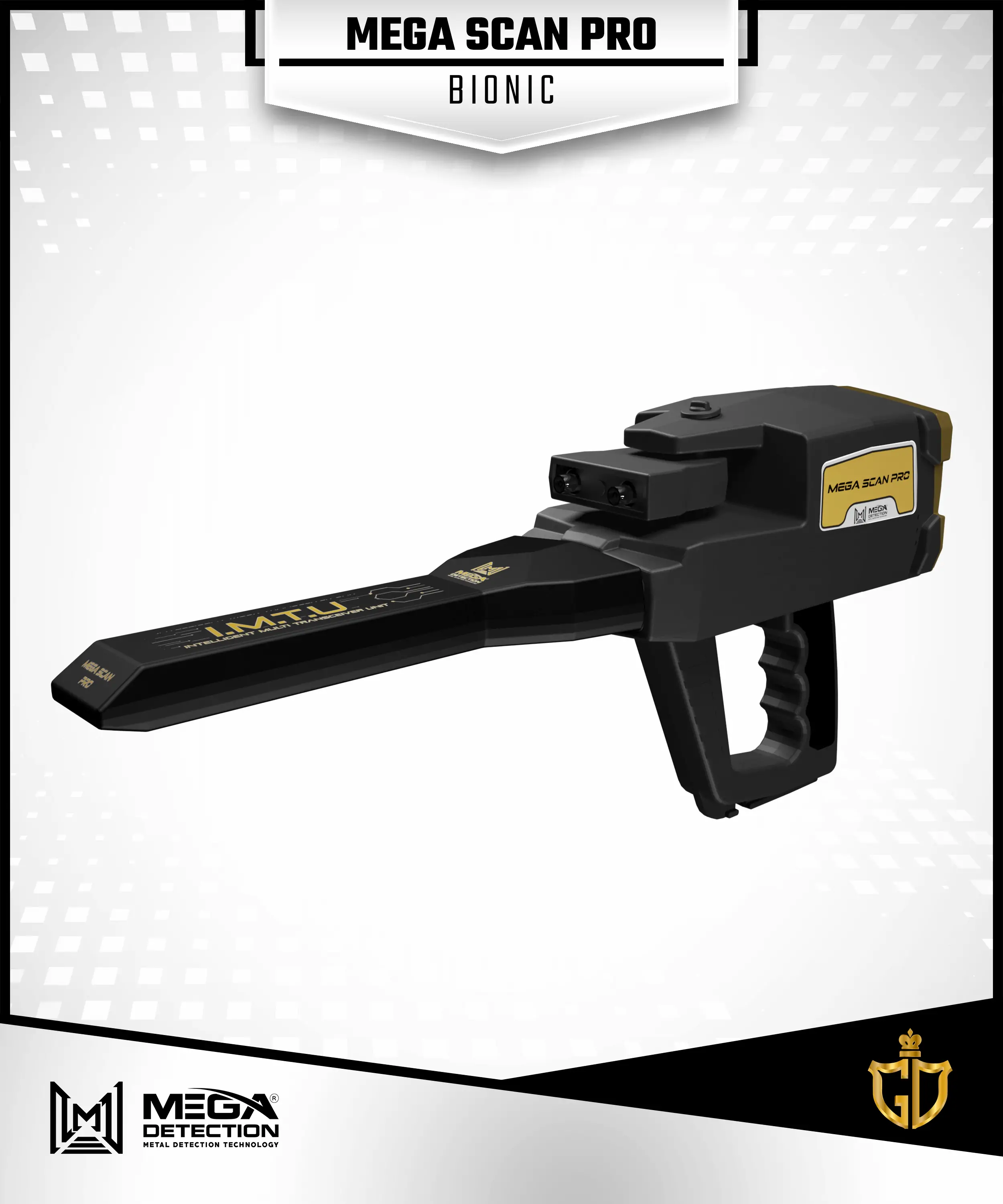
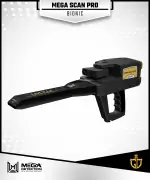
    6 – Bionic System / BIONIC /

    This search system operates similarly to the ionic search system, utilizing the Intelligent Multi Transceiver Unit (IMTU) for the scanning process.

    However, there is a significant difference in how it functions. In this bionic system, the user captures ionic signals specifically from a particular sample metal object, such as a golden ring.

    The search is then directed towards capturing similar ionic signals emitted by metal objects buried underground within the surrounding area.

    In contrast to the random and unrestricted search approach of the ionic system, the bionic system follows predefined signals to guide the search process.

    Once the user selects the bionic system and directs the I.M.T.U towards a specific metal target the device initiates the search in alignment with the user’s movement.

    The user can set the following options:

    • Sensitivity:

    The user can modify the sensitivity value to analyze the output sound generated during the search.

    The sensitivity value range is between 0 and 100.

    • Gain:

    This option controls the signal gain or strength. It is presented as a percentage value, ranging from 0 to 100.

    To optimize the detection of larger-sized targets, the user can decrease the gain value, while increasing it enhances the detection of smaller targets.

    The result screen presents the aforementioned values as circular percentage indicators on both the right and left sides.

    Additionally, a signal power indicator is displayed below for reference.

    Device Video
    Parts & Contents

    Parts & Contents

    ميغا سكان برو

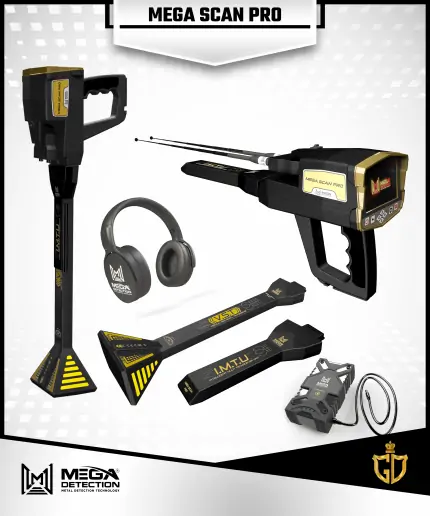
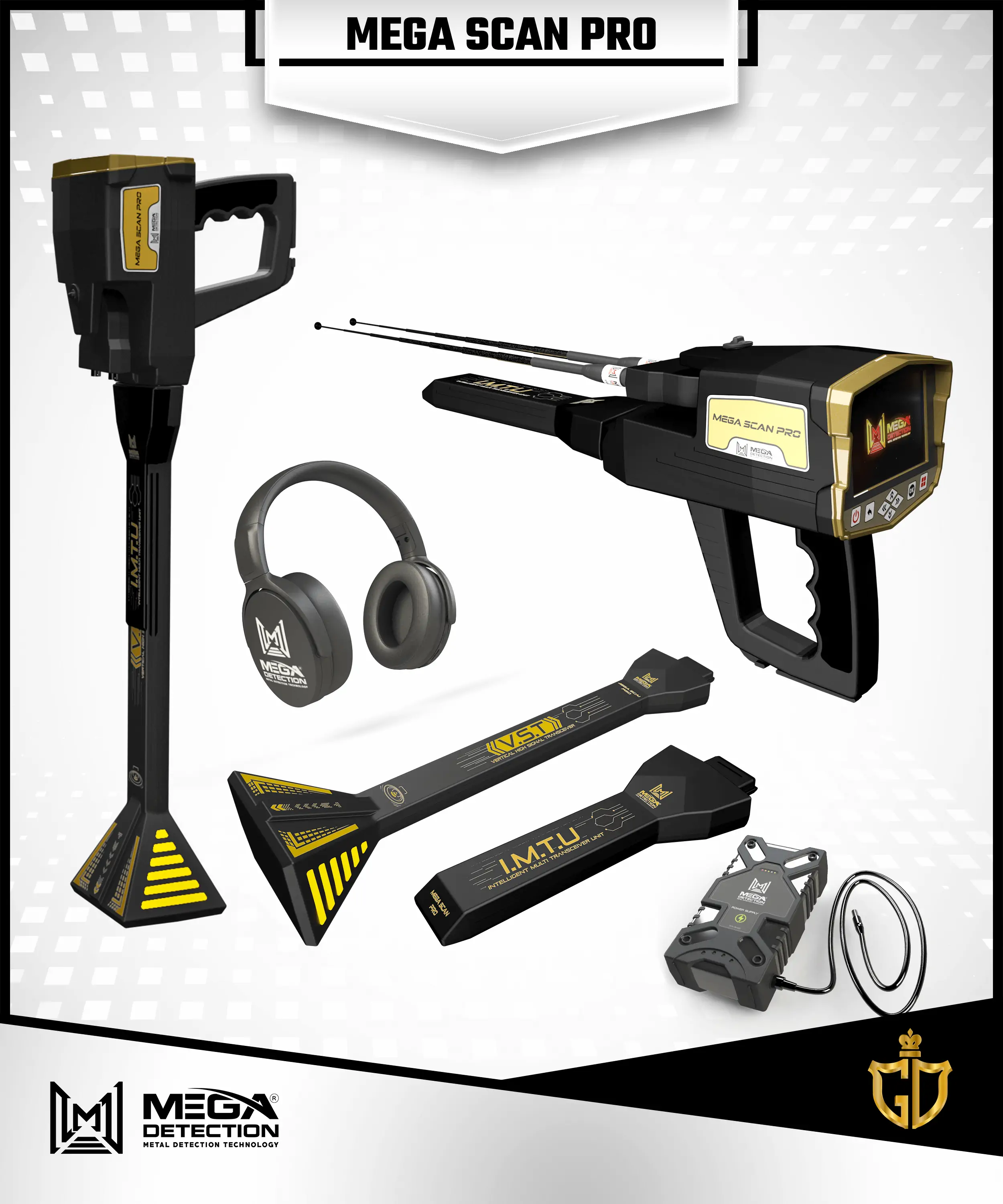
    MAIN UNIT

    I.M.T.U

    V.S.T

    ANTENNAS

    BATTERY

    HEADPHONES

    SYSTEM BOX (MAIN UNIT)

    INTELLIGENT MULTI TRANSCEIVER UNIT : (I.M.T.U)

    VERTICAL HIGH SIGNAL TRANSCEIVER : (V.S.T)

    LONG-RANGE ANTENNAS

    LITHIUM-ION BATTERY

    HEADPHONES

    ACCESSORIES BOX (BATTERY CHARGER – UNIVERSAL CONVERTER – HEADPHONE CABLE)

    USER MANUAL

    Videos & Catalogue

    Videos & Catalogue

    Click Here To Download Catalogue in English

    Click Here To Download Catalogue in German

    Click Here To Download User Manual

    Reviews (5)
    4.2
    Rated 4.2 out of 5
    5 reviews
    Rated 5 out of 5
    4
    Rated 4 out of 5
    0
    Rated 3 out of 5
    0
    Rated 2 out of 5
    0
    Rated 1 out of 5
    1

    5 reviews for Mega Scan Pro New Edition

    Clear filters
    1. johan – February 22, 2024

      Rated 5 out of 5

      one of the best metal detectors

      0
      0
    2. adam – February 22, 2024

      Rated 5 out of 5

      best metal detector

      0
      0
    3. jough – February 22, 2024

      Rated 5 out of 5

      i need this is device to ghana

      0
      0
    4. kaka – February 24, 2024

      Rated 5 out of 5

      how much sir to Nigeria 🇳🇬

      0
      0
    5. Dipak – July 31, 2024

      Rated 1 out of 5

      Share operating video to my id

      0
      0
    Add a review Cancel reply

    Your email address will not be published. Required fields are marked *

    Related products

    جولد ستار ثري دي سكانر

    Gold Star 3D Scanner

    9500 $
    Depth

    50 Meter

    Front Range

    3000 Meter

    Brand

    Mega

    Warranty

    5 Years

    Read More
    Add to cart
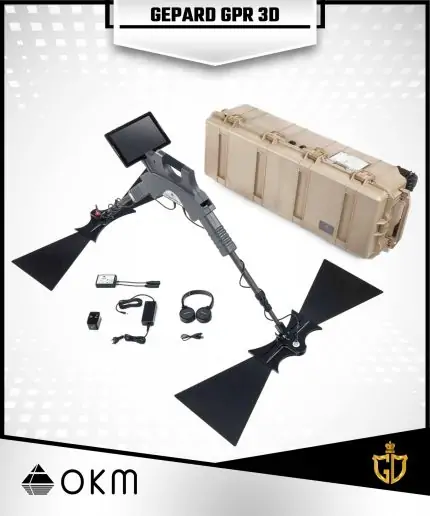
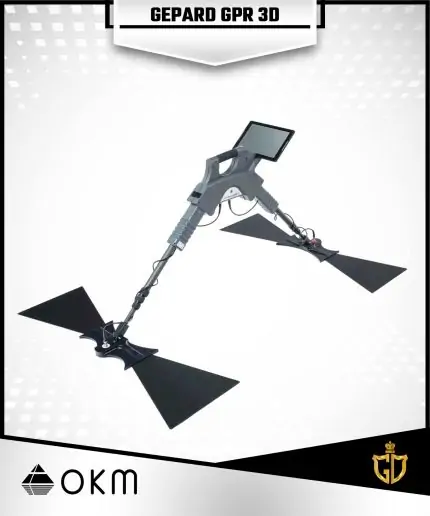
    Gepard GPR

    Gepard GPR

    24643 $
    Depth

    40 Meter

    Made In

    Germany

    Brand

    OKM

    Warranty

    5 Years

    Read More
    Add to cart
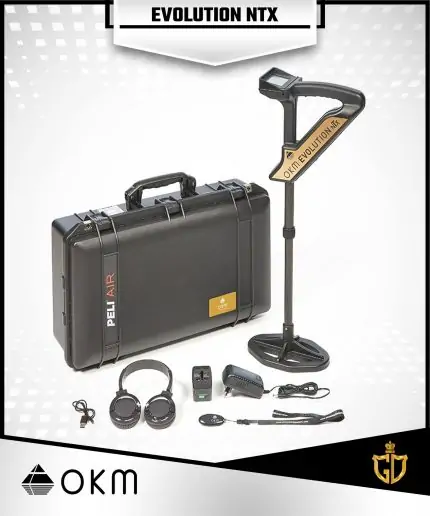
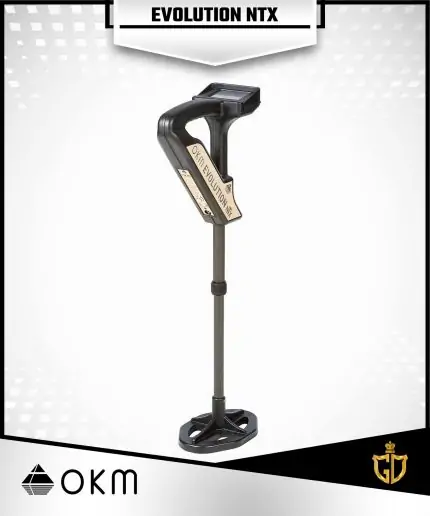
    Evolution NTX

    Evolution NTX

    7620 $
    Depth

    9 Meter

    Made In

    Germany

    Brand

    OKM

    Warranty

    5 Years

    Read More
    Add to cart
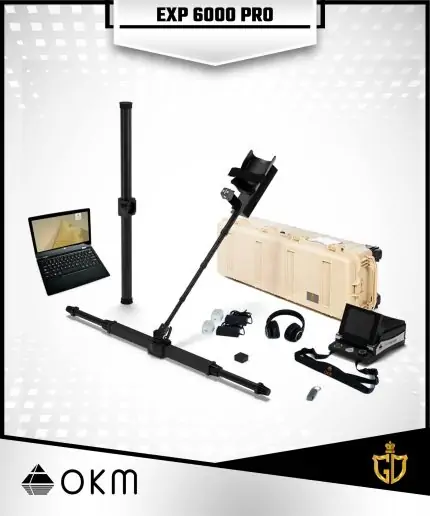
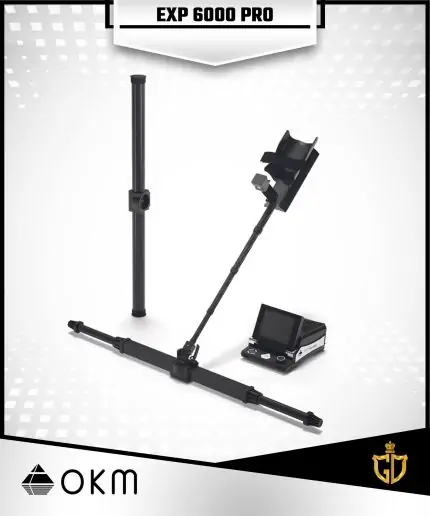
    EXP 6000 Professional

    EXP 6000 Professional

    25600 $
    Depth

    40 Meter

    Brand

    OKM

    Warranty

    5 Years

    Read More
    Add to cart
    Contact Information
    • Address:
      Office 202, Floor O2 - Clock Tower Building - Saeed Bin Ahmed Al Otaiba Street - Al Danah, Abu Dhabi - United Arab Emirates
    • Phone:
      00971507737755
      00971503380055
      0097126330758
    • Email:
      [email protected]
    Categories
    • Diamond and Gemstones Detectors
    • Imaging System Detector
    • Long Range Locators System
    • Raw Gold Detector
    • Sound Systems Detectors
    • Treasure Detector
    • UnderGround Water Detector
    Useful Links
    • Refund – Return & Privacy Policy
    • Terms and conditions
    • Buying & Shipping
    • Compare Page
    • Maintenance Services
    • Order Tracking
    • Training Videos
    Location on Map
    Golden Detector Company © All Rights Reserved
    payments
    • Home
    • Devices & products
      • Imaging System Detector
      • Long Range Locators System
      • Raw Gold Detector
      • Diamond and Gemstones Detectors
      • Sound Systems Detectors
      • UnderGround Water Detector
      • Treasure Detector
    • Blogs
    • Choose Device
    • Training
      • Field Experiments
      • Training Videos
      • Our Gallery
    • Support
      • Faqs
      • Maintenance Services
      • Contact Us
    • About Us
      • About Golden Detector
      • BUYING & SHIPPING
      • Distributors
    • Wishlist
    • Compare
    • Login / Register
    ميغا سكان برو

    Mega Scan Pro New Edition

    Rated 4.20 out of 5
    6750 $
    Contact Sales Department

    Compare
    Add to wishlist